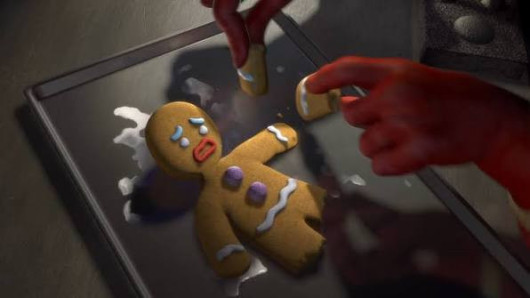
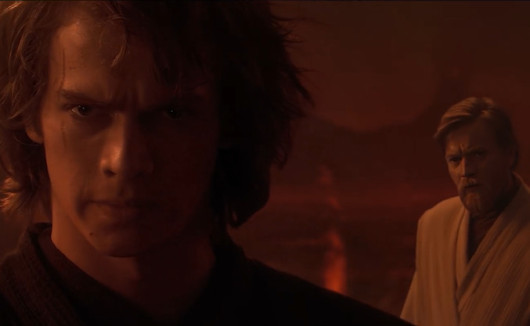
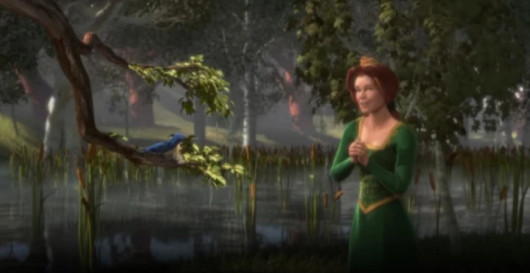
About this pack
BUDDY - CLEANING
Voice pack for The Choicer Voicer 5.2
============================================================
ABOUT THIS PACK
============================================================
It's time to learn about cleaning.
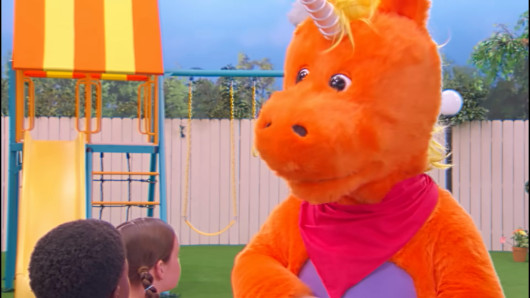
This is Learning With Buddy Episode 1, cut into voice clips so you can perform the lines yourself over the full scene. Buddy teaches, the kids answer.
5 lines. 2 voices. The complete 24 second episode.
============================================================
ABOUT THE AUDIO
============================================================
The 5 reference clips are processed for clarity. Rumble below 190 Hz is filtered out, the vocal range is lifted, and every clip is normalised to the same loudness. Each line is clean and even on volume, so you hear the voice clearly the first time and every time after.
The original voices have been removed from all 5 lines in the video and in the backing track, so nothing competes with your take. The backing music and everything between the lines is left exactly as it was.
============================================================
WHO THE VOICES ARE
============================================================
- Buddy, 3 lines. The unicorn. He does the teaching.
- Kids, 2 lines. The children answering him.
============================================================
STEP 1 - OPEN THE GAME ONCE BEFORE ANYTHING ELSE
============================================================
Launch The Choicer Voicer, wait for the main menu, then close it.
This matters: the game creates its own content folders on first run. If you copy the pack in before the game has made them, you have nowhere to put it.
============================================================
STEP 2 - FIND THE packs_voice FOLDER
============================================================
Press Win + R, paste this line, and hit Enter:
%AppData%\YeahMaybe\ChoicerVoicer\game\packs_voice
That opens the folder directly.
========